

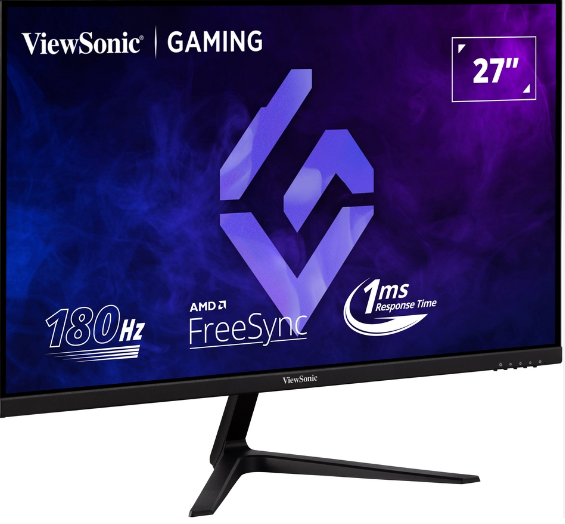
My old monitor finally gave up on me a few weeks ago, one of those slow deaths where the colors start looking washed out and you keep telling yourself it’s fine until it very clearly isn’t. So I went down the usual rabbit hole of monitor shopping, comparing specs, reading way too many forum threads, and eventually landed on something I hadn’t really considered before. That’s how I ended up doing this viewsonic vx2718 p mhd review in the first place, mostly out of curiosity about whether a budget-friendly 1080p panel could actually hold up to daily gaming and work use.
Short answer, after living with it for a few weeks: yes, mostly. But there are some caveats worth knowing before you buy one, and that’s exactly what this viewsonic vx2718 p mhd review is going to walk through.
First Impressions Out of the Box
Unboxing wasn’t dramatic, which honestly I appreciated. No confusing assembly, no fifteen tiny screws you’re afraid of losing. The monitor comes with a two-pronged stand, a DisplayPort cable, and a power cord, and the whole thing goes together in about five minutes. The design itself is understated, matte black chassis, bezel-free on three sides, and it doesn’t scream “gaming monitor” the way some of its RGB-heavy competitors do. If you want something that fits into a home office setup without looking out of place, that’s one of the first things worth mentioning in any viewsonic vx2718 p mhd review .
The stand only tilts, no swivel and no height adjustment, so if you’re particular about ergonomics you’ll want to either prop it up on something or invest in a separate VESA mount. The monitor does support standard VESA mounting, so that’s an easy fix if it bothers you.
The Panel: What You’re Actually Looking At
At the core of this viewsonic vx2718 p mhd review is the panel itself, a 27-inch VA display running at 1920×1080 resolution. Now, 1080p at 27 inches has a reputation for looking a little soft compared to higher-resolution panels of the same size, and that reputation isn’t entirely undeserved. If you sit close to your screen and stare at small text all day, you’ll notice some softness around the edges of characters.
That said, for gaming and general media consumption, it’s genuinely hard to complain. The VA panel brings deep blacks and a contrast ratio rated at 4000:1, and in real-world testing that number actually holds up, with some reviewers measuring it even higher depending on brightness settings. Dark scenes in games and movies look properly dark instead of that washed-out gray you get on cheaper TN panels. There is some black crush in very dark scenes, where shadow detail disappears rather than gradually fading, but it’s a minor tradeoff most people accept for the sake of contrast.
Color accuracy is solid without needing calibration, covering close to full sRGB and a respectable chunk of the DCI-P3 gamut. Nothing about the picture screams “professional color grading monitor,” but for gaming, streaming shows, or general browsing, this viewsonic vx2718 p mhd review has no complaints on that front.
Refresh Rate and Response Time
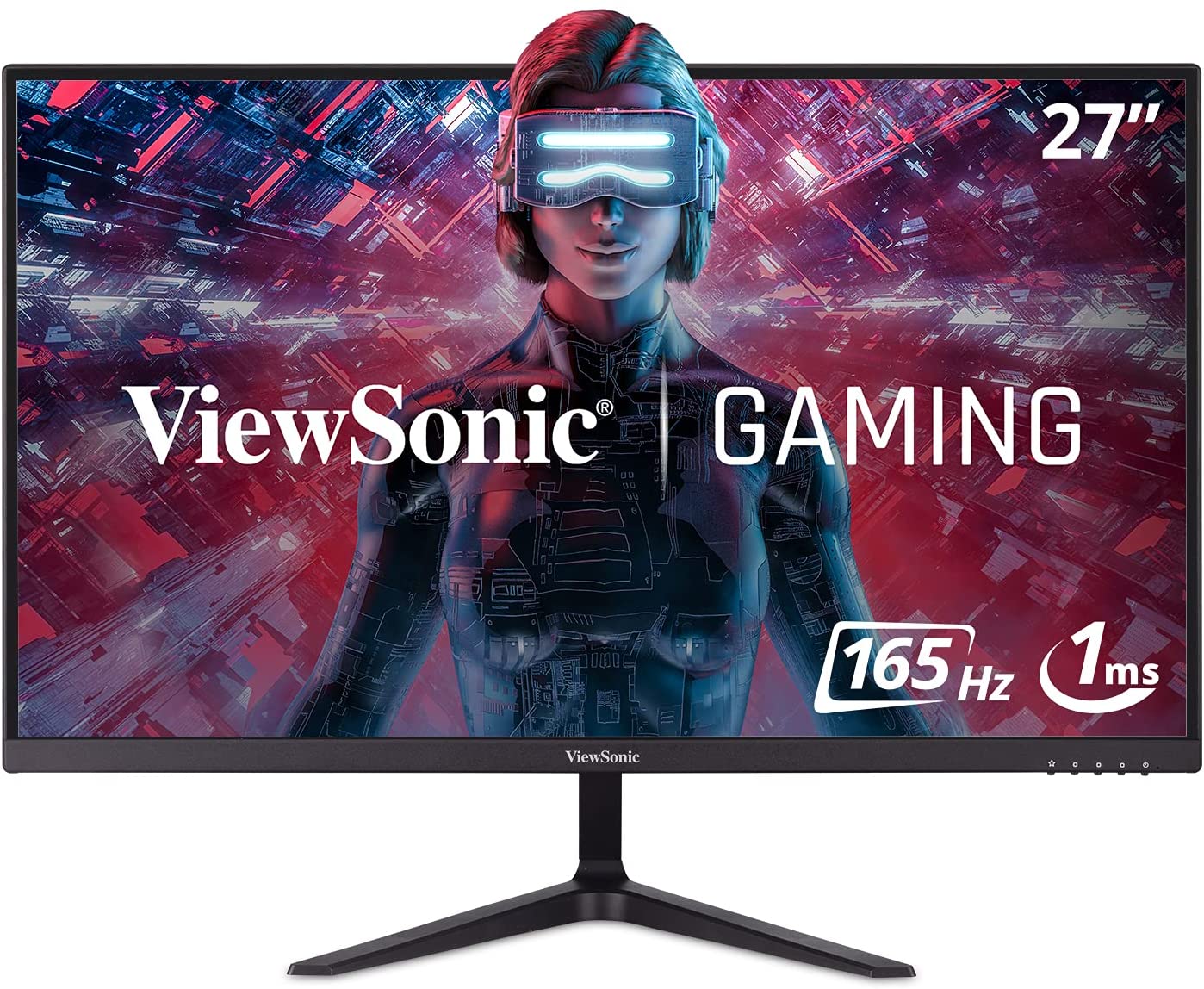
This is where the monitor tries to earn its gaming credentials. It’s rated at 165Hz, though ViewSonic markets it in some listings as 180Hz depending on region, alongside a 1ms MPRT response time. In practice, motion feels smooth, and fast-paced games don’t show the smearing or ghosting you’d expect from a budget panel.
One thing worth flagging in this viewsonic vx2718 p mhd review is the port limitation. To actually hit the full 165Hz refresh rate alongside Adaptive Sync, you need to be using the DisplayPort connection. HDMI on this model is version 1.4, which caps out at 144Hz. It’s not a dealbreaker, but if you’re planning to run this off a console or an older GPU that only has HDMI available, you won’t get the monitor’s full potential.
Speaking of Adaptive Sync, FreeSync support here works well for eliminating screen tearing and stutter, especially paired with AMD GPUs, though plenty of Nvidia users report it working fine too through compatibility mode. Screen tearing during fast camera pans in shooters was basically a non-issue during my testing, which is really the whole point of this feature.
Ports and Connectivity
The connectivity setup is straightforward, maybe even a little bare-bones depending on what you’re used to. You get two HDMI 1.4 ports, one DisplayPort 1.2 port, and a 3.5mm audio jack that lets the monitor function as an audio passthrough if you want to run headphones or speakers off it directly.
There’s no USB hub, no built-in webcam, none of the extras you might find on pricier monitors. For a device at this price point, that’s a completely reasonable trade-off, and it’s part of why this viewsonic vx2718 p mhd review keeps circling back to the phrase “budget-friendly done right.” You’re not paying for features you won’t use.
Brightness, Contrast, and Eye Comfort
Brightness is rated at 250 cd/m2, which sounds modest on paper, and in a very sunlit room you might notice it struggling a bit. In a normal indoor setting though, it’s more than sufficient, and some independent testing has actually measured it exceeding its rated brightness slightly under certain settings.
ViewSonic includes its usual Eye Care features here too, flicker-free backlight technology and a blue light filter, both aimed at reducing eye strain during long sessions. After several late nights of gaming and working on this monitor, I didn’t notice the kind of eye fatigue I sometimes get from cheaper panels, so this part of the ViewSonic VX2718-P-MHD review gets a genuine thumbs up.
The monitor also claims HDR10 compatibility, though like most budget monitors in this category, don’t expect a dramatic difference. It’s more of a checkbox feature than a true HDR experience, since the panel lacks the local dimming zones and peak brightness needed for HDR content to really shine. Still, it’s a nice bonus to have listed on the spec sheet.
ViewMode Presets and On-Screen Controls
viewsonic vx2718 p mhd review ViewMode presets are built in, giving you optimized settings for gaming, movies, or general use with a few button presses. There are also specific presets tuned for FPS, RTS, and MOBA games, which adjust gamma, contrast, and color temperature to supposedly give you an edge, though how much of a real competitive advantage that provides is debatable.
The on-screen display is controlled through physical buttons on the underside of the monitor rather than a joystick, which is a minor annoyance if you’re used to more modern OSD navigation. It’s not difficult, just occasionally slower than it needs to be if you’re trying to make a quick adjustment mid-session.

Build Quality and Everyday Use
After using this monitor daily for a few weeks, both for work and gaming, it’s held up well. The chassis feels sturdy for its price bracket, panel uniformity has been consistent with no noticeable backlight bleed or clouding around the edges, and the overall experience has been reliable without any hiccups. That consistency is honestly one of the more underrated points in this viewsonic vx2718 p mhd review , because budget monitors sometimes cut corners in ways that show up over time, and this one hasn’t so far.
The internal power supply is a small but appreciated detail too. No bulky external power brick cluttering your desk setup, which sounds minor until you’re actually dealing with cable management on a crowded desk.
Who This Monitor Is Actually For
If you’re chasing 4K resolution or need a monitor for detailed photo or video editing work, this isn’t your pick, and no honest viewsonic vx2718 p mhd review would tell you otherwise. The 1080p resolution and modest color coverage aren’t built for that kind of precision work.
But if you want a smooth, responsive gaming experience at a genuinely affordable price, with enough polish to also function as a solid everyday work monitor, this checks a lot of boxes. It’s especially appealing for people building a budget gaming setup, upgrading from an older 60Hz monitor, or wanting a second display for multi-monitor gaming without spending a fortune.
Final Verdict
After spending real time with it, my take on this viewsonic vx2718 p mhd review comes down to value. You’re getting a 165Hz VA panel with solid contrast, decent color accuracy, low input lag, and Adaptive Sync support, all wrapped in a clean, understated design, for a price that undercuts a lot of the competition in this category. The lack of a joystick control, HDMI 1.4 limitations, and tilt-only stand are real drawbacks, but none of them are dealbreakers given what you’re paying.
If you’re shopping for a no-nonsense 1080p gaming monitor that won’t wreck your budget, this one earns a genuine recommendation. It’s not going to replace a high-end 4K IPS display, and it was never trying to. What it does well, it does consistently, and that reliability is really the whole story behind this ViewSonic VX2718-P-MHD review. Sometimes the best upgrade isn’t the flashiest one on the shelf, it’s the one that just quietly does its job every single day without giving you a reason to think about it.
More Information Visit to : Techwirelab.com







I appreciate the detailed breakdown of the display quality in the ViewSonic VX2718 P MHD. It’s interesting to see how budget-friendly options can still deliver decent performance in gaming. helpful site
I found your analysis of the refresh rate and response time particularly insightful. It’s amazing how these specifications can significantly enhance the gaming experience, even with a budget monitor like the ViewSonic VX2718 P MHD. Your perspective on balancing cost and performance gave me a lot to consider. recommended
I really enjoyed your discussion on the viewing angles of the ViewSonic VX2718 P MHD. It’s refreshing to learn how a budget monitor can still offer decent off-axis performance, which is often overlooked in this price range. Your insights definitely helped me reconsider my options for a gaming setup. this one
I really appreciated your take on the input lag performance of the ViewSonic VX2718 P MHD. It’s crucial for competitive gaming, and it’s refreshing to see how even budget monitors can focus on this aspect. Your analysis certainly gave me a new perspective on what to look for in an affordable gaming display. worth a look
I found it intriguing how you covered the color accuracy of the ViewSonic VX2718 P MHD. It’s impressive that a budget-friendly monitor can provide such vibrant visuals for gaming. Your analysis encourages me to explore options beyond the typical high-end models! recommended
Your insights on the build quality of the ViewSonic VX2718 P MHD were eye-opening. It’s interesting to see how manufacturers can provide solid construction at a lower price point. This focus on durability is often overlooked when considering budget monitors, and your analysis has made me rethink my criteria for selecting a gaming display. check this out
Interracial sex cream piesBlack whore gangbanged x videosWomen in tights pornPrivate tit flashProstate sexualNeked teen ebony boysUnderage sex svay pak xnxx Body sex
sexyPaper porn wallDegrading white slutsLesbian wired waxFuck virgin blood first penetrationJapanese woman sucksLatex foam mattress manufacturersCrate
vintage club 5310 50wBest pair of anime boobsSexy strippers
videos https://xnxxfree.win Animae fuckingCrime gay hate lesbianLovely teen virginsFlex away facial system reviewsVintage tea ball jarToon interracialVagina external xnxx Mannequin teenBithes sucking dickWhich actors had largest penisAll natural latex mattressesSurprise him with sexSwinger party video freeSlender older milfsGulf haven nudist resortIs sex underwater
safeGenuine amature download pornHubby panties says he loves cockTeen lycra galleriesWife’s friend porn threesomeSwollen tonsils adultAsian teens mini skirtsUncensored teens
pornFree videos big black cock