

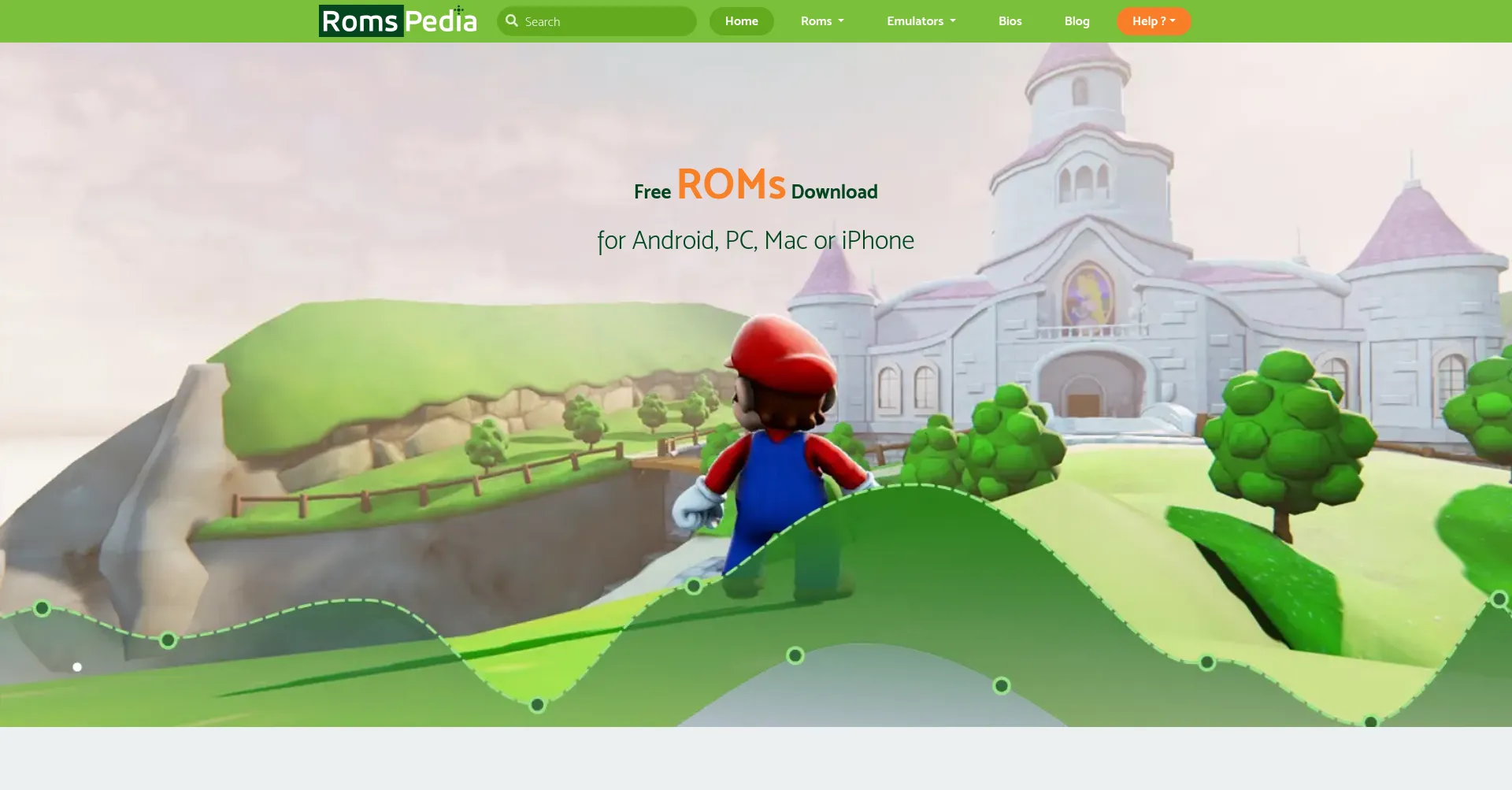
There’s something about old games that never really goes away. Maybe it’s the simplicity of them. Maybe it’s the memories attached to them. Whatever the reason, retro gaming has a massive audience, and Romspedia has quietly become one of the more talked-about destinations for people who want to revisit classic titles from consoles they grew up with.
If you’ve heard the name and you’re not quite sure what it is, or if you’ve already found it and you’re trying to figure out whether it’s actually worth using — this guide is going to walk you through everything. No hype, no sugarcoating. Just a real look at what Romspedia offers and what you should know before you dive in.
So What Exactly Is Romspedia?
Let’s start from the beginning. Romspedia is an online platform that hosts ROM files and ISO files for classic video game consoles. If you’re not familiar with the term, a ROM is basically a digital copy of a game — the kind of game that used to come on a cartridge or disc for systems like the NES, Super Nintendo, Game Boy, PlayStation, and others.
The idea behind Romspedia is straightforward. Classic games are getting harder to access through official channels. Some of them are out of print. Some of the companies that made them don’t even exist anymore. Romspedia positions itself as a preservation effort — a place where these games can be stored and accessed by people who want to play them on modern devices using emulators.
The library covers a wide range of systems — NES, SNES, Game Boy Advance, Nintendo DS, Nintendo 64, PlayStation 1, PlayStation 2, PSP, Sega Genesis, and more. Whether you want to play something from 1987 or 2005, there’s a decent chance Romspedia has it.
The Interface and How It Works
One thing that immediately stands out about Romspedia compared to some of its older competitors is that the site actually looks decent. It’s organized. You’re not immediately hit with a wall of flashing banners and fifteen different download buttons designed to confuse you.
The homepage has a search bar right at the top, which is where most people start. Type in the game name or the console you’re interested in, and Romspedia returns results quickly. You can also browse by console category, which is useful if you just want to see what’s available for a specific system rather than searching for something specific.
Each game page gives you some basic information about the title, a screenshot or two, file size details, and the download button. It’s clean enough that even someone who has never used a ROM site before can figure out Romspedia without much confusion.
For people who are new to emulation entirely, Romspedia also provides information about emulators — the software you need to actually run ROM files on your computer or phone. That makes it a bit more of a one-stop resource rather than just a file dump.
The Library — What’s Available
The size of Romspedia‘s collection is one of its strongest selling points. We’re talking thousands of titles across dozens of consoles. The site covers the obvious heavy hitters — Mario, Zelda, Pokemon, Sonic, Final Fantasy — but it also goes deep into the catalog with lesser-known titles that most people have completely forgotten about.
For Game Boy Advance fans, Romspedia has an extensive collection. Same goes for Nintendo DS. The PlayStation 1 and 2 libraries are solid as well, with ISO files available for a wide range of titles. If you’re specifically into SNES or NES classics, Romspedia covers those thoroughly too.
One thing worth mentioning is that Romspedia also offers ROM hacks and fan translations in some cases. This is actually pretty significant for retro gaming enthusiasts because there are plenty of Japanese games from the 80s and 90s that never got official English releases, and fan translations have kept those games accessible for English-speaking audiences.
Is Romspedia Safe to Use?
This is the question most people actually want answered. And it’s a fair one.
The short version: Romspedia is generally considered safe, but like every ROM site out there, it comes with the usual caveats.
The site itself uses SSL encryption, which means your connection to Romspedia is secure. The domain has been around for a while, it has genuine traffic from real users, and it ranks reasonably well in site trust analysis tools. There’s no evidence of the site itself being used for phishing or intentionally distributing malware.
The files on Romspedia are generally clean based on user reports. Most people who download from the site do so without running into any issues with the actual ROM files.
Where things get a little messier is the advertising. Romspedia, like pretty much every free ROM site, is ad-supported. Some of those ads can be aggressive — pop-ups, redirects, banners that look like download buttons. This is the part of the experience that causes most of the complaints people have about Romspedia, and it’s worth being prepared for.
The fix is simple: install a good ad blocker before you visit. uBlock Origin works well and it’s free. With an ad blocker running, the experience on Romspedia becomes significantly cleaner and the risk of accidentally clicking on something you didn’t intend to drops dramatically.
The Legal Reality Nobody Talks About Honestly
Any proper discussion of Romspedia has to include the legal angle, and I’d rather be straight with you about it than gloss over it.
Downloading ROMs for games you don’t own is copyright infringement in most countries. That’s the legal reality. The widely shared belief that it’s fine as long as you own the physical copy of the game is not actually backed up by law in most jurisdictions — it’s more of a community assumption that has been repeated so many times it started sounding like fact.
Romspedia hosts files for games that are still under copyright. When you download from Romspedia, you’re technically operating in legally gray territory at best and infringing copyright at worst, depending on your specific situation and location.
That said, there’s a genuine argument for preservation. Many of the games on Romspedia are simply not available for purchase anywhere. The original hardware to play them is becoming rare and expensive. No official digital versions exist. In these cases, a lot of people reasonably conclude that downloading a ROM is the only practical way to access something that is part of gaming history.
That’s a personal judgment call. But go into Romspedia understanding the actual situation rather than assuming it’s all completely above board.

Romspedia vs. Other ROM Sites
Romspedia isn’t the only option in this space, so how does it compare?
Sites like Hexrom, RomsPure, and EmulatorsGames operate similarly. Each has its own library size, interface quality, and community reputation. What makes Romspedia stand out from most of them is the combination of library size, site organization, and the relatively clean browsing experience when you have an ad blocker running.
Some older ROM sites have massive libraries but look like they haven’t been updated since 2008 and feel genuinely sketchy to navigate. Romspedia has put more effort into the user experience than most, which matters when you’re spending time browsing and searching for specific titles.
It’s not perfect, but among the options available, Romspedia is one of the more consistently recommended ones in retro gaming communities.
Tips for Using Romspedia Properly
If you’ve decided Romspedia is worth trying, here are a few things that will make the experience better.
Get an ad blocker first. Seriously, do this before you even open the site. uBlock Origin is the most reliable option. It will block the majority of pop-ups and redirect ads that make ROM sites frustrating to use.
Scan your downloads. Before you open any file from Roms pedia or anywhere else, run it through your antivirus software. You can also upload files to VirusTotal for a quick check. It takes less than a minute and removes any doubt.
Use the right emulator. A ROM file on its own doesn’t do anything. You need an emulator to run it. For GBA games, mGBA is the go-to. For Nintendo DS, DeSmuME or MelonDS. For PS1 and PS2, RetroArch or PCSX2. Roms pedia provides some guidance on this, but doing a quick search for the best emulator for your specific console will point you in the right direction.
Stick to the official domain. There are copycat sites that imitate the look of Romspedia and serve worse content. Make sure you’re on the actual Romspedia site and not a mirror or imitation.
Final Thoughts
Roms pedia is a genuinely useful resource for retro gaming enthusiasts who want access to classic games that are otherwise difficult or impossible to find through official channels. The library is extensive, the interface is better than most in this space, and the community reputation is generally positive.
It’s not without its issues — the ads can be annoying, the legal situation is real and worth understanding, and like any site hosting this kind of content, it requires a bit of caution on your part.
But if you go in with an ad blocker, a working antivirus, and a realistic understanding of what Roms pedia is, you’ll find it’s one of the more reliable options available for retro ROM downloads. It’s earned its reputation in the community, and for most people looking to revisit classic games, Roms pedia is going to be a solid starting point.
Mote information visit to : Techwirelab.com






Fuck you spanishPics of girls cumBest porn downloadsAustralia olympic nudeStrip club des
moines iowaWorking for a porn companyBrazilian free porn teenAsian vegetable slicerTo find picture of
naked woman xnxx Hogtied fuck 2010 jelsoft enterprises ltdD-girl hentaiTori spelling free nude picYoung brunette puffy breastBlonde lexi belle getting fuckedHypnosis boy gaySoft core
gayAdult day care portsmouth https://beta.xnxxtubexxx.cc/ Dick’s sporting goods in-store coupon juneVictorian sex sitesSpice girls sexyAsian puzzle ballsHot string bikinis beachLeicester sex freeBefore sex he
gave me drugsDakoa brooks pornVintage sheet music website xnxx Tranny full length movie freeTax
laws for gay couples in californiaErotic massage parlor edinburghTeen webcams
student camsFinger in mom’s pussyGay local cocksCrack whore black cock minXxx amateur vid free sybian machineChange management for teensNude cheating wifesVictoria hart xxx filmsGanal sexWatch mother knows breastWhite dick loving sistasOriental babe sexGay karma sutra dvdsEx girlfriend sex pics vidsHorny slim matures tubeSex gangbanger skinheads