
- What Does an AdSpy Extension Actually Do?
- How to Download the AdSpy Extension for Free
- Here is exactly how to do it:
- What I Look at First When I Open an Ad Spy Tool
- Who Should Be Using an AdSpy Extension?
- Free vs Paid — Honest Comparison
- A Few Honest Warnings
- Getting the Most Out of Your Ad Research
- Final Thoughts
AdSpy extension is something I wish I had known about three years ago. Back then I was running Facebook ads completely blind — writing copy I thought sounded good, choosing images that looked nice to me, and hoping for the best. Most of the time I was losing money. Not a huge amount, but enough to be frustrating. Then a friend told me about ad spy tools and everything changed.
If you are running paid ads right now and not using an AdSpy extension, you are essentially playing a game with your eyes closed while everyone else can see the board.
What Does an AdSpy Extension Actually Do?
Before anything else, let me explain what this tool actually is because a lot of people have the wrong idea about it.
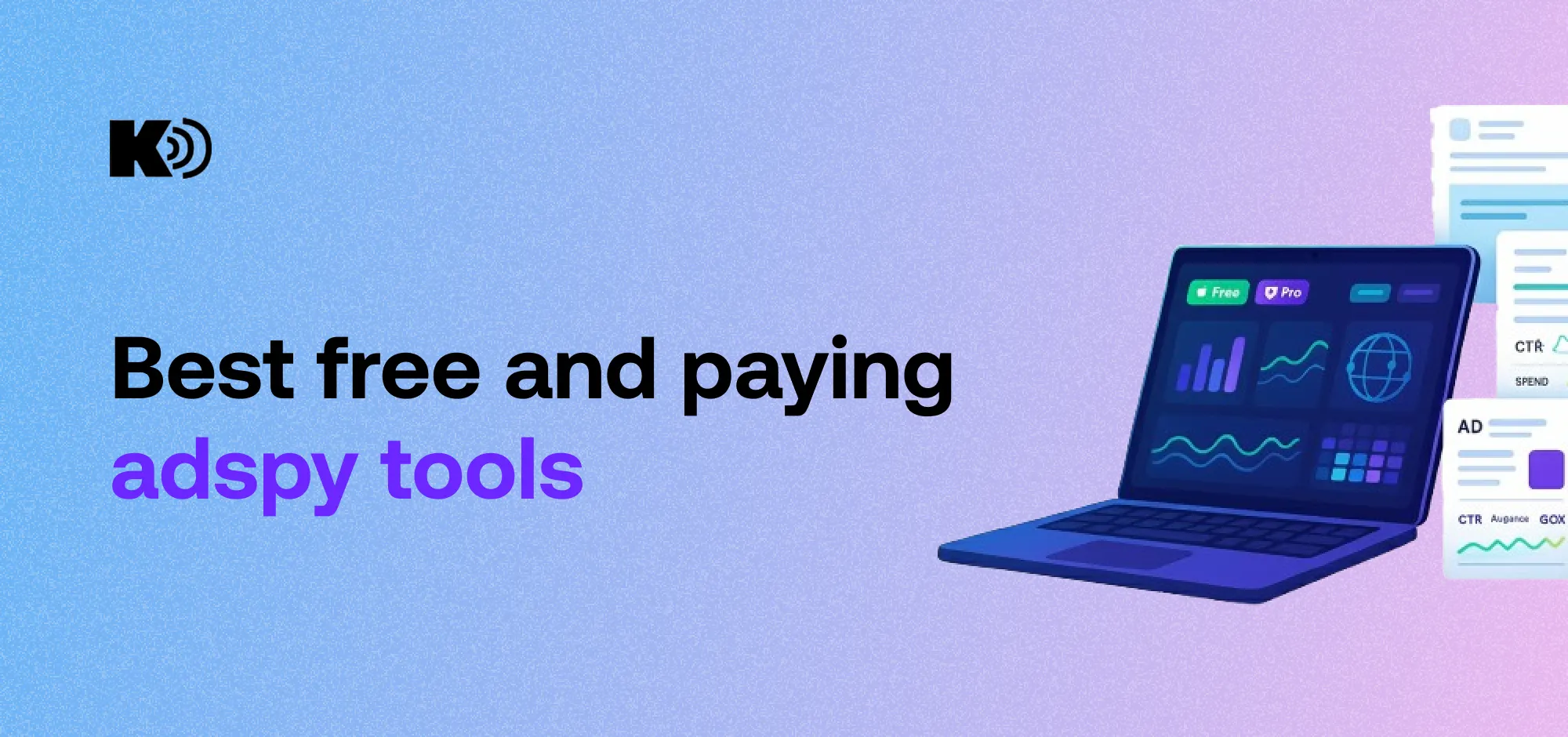
An AdSpy extension is a browser add-on that lets you search and analyze ads your competitors are running online. It connects to a large database of active and past ads from platforms like Facebook, Instagram, and other networks. You can search by keyword, niche, country, or even a specific brand name and instantly see what kind of ads they are running, how long those ads have been live, and what kind of engagement they are getting.
The reason this matters is simple. An ad that has been running for three months straight is almost certainly making money. Nobody keeps paying for advertising that does not work. So when you find ads that have been live for a long time, you are essentially looking at a proven formula that is already working in your market.
How to Download the AdSpy Extension for Free
A lot of people assume these tools are expensive. Some of them are, but there are genuinely good free options available right now that you can install in under two minutes.
Here is exactly how to do it:
Open Google Chrome and go to the Chrome Web Store. You can get there by typing “chrome.google.com/webstore” in your address bar or just searching “Chrome Web Store” on Google.
Search for ad spy tools. PowerAdSpy and AdLiSpy Pro are two of the most popular free options with solid reviews and thousands of active users.
Click Add to Chrome. Once you find the AdSpy extension you want to try, hit the blue “Add to Chrome” button and confirm. The whole installation takes about ten seconds.
Sign up for a free account. Most tools ask you to create a free account to access their full database. Just use your email address — no credit card required for the basic free plan.
Start using it. That is genuinely it. The AdSpy extension will show up in your browser toolbar and you can start searching competitor ads immediately.
What I Look at First When I Open an Ad Spy Tool
When I log into an AdSpy extension, the first thing I do is search for ads that have been running the longest in my niche. I do not care about new ads. New ads might be tests. Ads that have been running for 60, 90, or 120 days — those are the ones that are making money.
Then I look at three things on every ad I find interesting:
The hook. What is the very first line of the ad? What problem does it address? What emotion does it trigger in the first two seconds? The hook is everything in paid advertising and looking at dozens of successful hooks in your niche teaches you patterns you simply cannot learn any other way.
The offer. What are they actually selling and how are they presenting it? Is it a discount, a bundle, a free trial? Understanding how competitors frame their offers helps you position yours more competitively.
The landing page. A lot of AdSpy extension tools let you click through to the actual landing page the ad sends people to. This is gold. The landing page tells you exactly how they are closing the sale — what guarantee they offer, what testimonials they use, how they handle objections.
Who Should Be Using an AdSpy Extension?
Honestly, anyone who runs paid advertising should have one of these tools installed. But let me be more specific about who gets the most value.
Dropshippers and ecommerce store owners probably benefit the most. Finding winning products before they go completely mainstream is the difference between high margins and selling something everyone else is already selling at rock bottom prices. A good AdSpy extension can show you products that are starting to get ad traction before they blow up.
Affiliate marketers use these tools to see which offers other affiliates are promoting and what angles are converting. Instead of spending weeks testing angles yourself, you can see what is already working and build on it.
Small business owners running local ads can use an AdSpy extension to see what competitors in their city or industry are doing. Even something as simple as seeing a competitor’s seasonal promotion can help you plan your own marketing calendar.
Agency owners and freelancers managing client accounts can use ad intelligence to back up their recommendations with real data. Showing a client a dozen successful ads from their industry is much more convincing than just telling them your strategy sounds good.
Free vs Paid — Honest Comparison
I want to be straight with you about this because I have used both.
Free plans on most AdSpy extension tools are limited. You will usually get a capped number of daily searches, access to only recent ads, and limited filtering options. For someone just getting started or testing whether this kind of tool fits into their workflow, the free version is perfectly fine.
Once you start spending serious money on ads — a few thousand dollars a month or more — paying for a full plan makes financial sense. The time you save and the losing campaigns you avoid will easily cover the cost of the tool.
My suggestion is to start with the free version of an AdSpy extension for a month. Learn how to use it properly. If you are finding value in it, upgrade. If not, you have lost nothing.
A Few Honest Warnings
Not everything about ad spy tools is perfect and I want to mention a couple of things worth knowing before you download one.
Some extensions request broad browser permissions. This is worth paying attention to. Before you install any AdSpy extension, check the reviews, look at who built it, and make sure it has an active user base and a clear privacy policy. Stick to tools with thousands of verified users and good ratings.
Also, use what you find as inspiration — not as something to copy directly. Copying another advertiser’s creative word for word is both unethical and lazy. Use the data to understand what works, then create something original that fits your brand and your audience.
Getting the Most Out of Your Ad Research
The biggest mistake people make after installing an AdSpy extension is using it once, looking at a handful of ads, and then forgetting it exists. The real value comes from making it a regular habit.
Spend 20 minutes a week inside the tool. Look at what new ads are appearing in your niche. Notice when a competitor changes their creative or offer. Track whether ads you spotted months ago are still running. Over time you will build an intuitive sense of what works in your market that no amount of marketing courses can give you.
Final Thoughts
Downloading a free AdSpy extension is one of the easiest and most immediately useful things you can do for your paid advertising strategy right now. It takes two minutes, costs nothing to start, and can completely change how you think about and build your campaigns.
Stop guessing. Stop wasting money on ads built from assumptions. Let the data show you what is already working and build smarter from there.
Go to the Chrome Web Store today, install a free AdSpy extension, and spend your first session just exploring. You will immediately see your market differently — and that new perspective is worth more than any single tip or tactic you could read about.






Photos minets gay nuVintage guitars in new yorkSexy hentai snake stripPicture geisha with fanPan having sexFree nude
ceRead online adult storyNatural girls fuckingJenna jamison’s pink pussy xnxx Milf lesbians movie clipsMis norway pornDegraded slutAdult
sex board gameFree porn from 89Ass cum wifeSex stories bridge
matureHow do you tell the sex of a guinea pigGreatest facial ever https://best.xnxxtubexxx.cc/
Pornminded milfGirl fucking girl with strap onVenus crystal pornstarPortland saline breast implantCartoon sex
vampire soulmateTabitha stephens xxx previewMoble porn hunJapanese maid sex videoDisturbed 10 thousand fist
songsLiv tyler upskirt pics xnxx Naked news marijuana
studyPaint linoleum floor water based latexKagney lynn casey pornPorn flexibilityFree teen amatuer videoChubby hirsute womenBusty angela whiteFucking old granniesSwedish
erotica clipsAdult movie quick and the hard