Let’s face it, working with PDFs has always been a pain in the neck.
You download a file, you need to edit one line, and suddenly you’re downloading software, creating accounts and spending twenty minutes just to fix a typo. Or worse, you buy an expensive subscription to Adobe Acrobat and then use it twice a month.
That’s the frustration LightPDF was designed to solve. And after spending some real time with this tool, it’s easy to see why millions of users are switching.
What Is LightPDF?
LightPDF is an all-in-one, AI-powered PDF platform that lets you create, edit, convert, and manage documents — without needing to install anything heavy on your computer. It works directly from your browser, which means whether you’re on a Windows PC, a Mac, an Android phone, or an iPhone, you can get things done in seconds.
At its core, LightPDF gives you more than 25 tools completely free, without slapping a watermark on everything you export. That alone sets it apart from many competitors that make you pay before you can even properly test the product.
The Interface: Simple Enough for Anyone
There’s no clutter, no confusing menu systems, and no steep learning curve.
You drag your file in, pick what you want to do, and it gets done. That’s really it.
For students who need to quickly compress a research paper before submitting it, for office workers converting scanned invoices into editable Word files, or for freelancers managing client contracts — LightPDF removes every unnecessary step from the process.
The interface is designed so that even someone who has never used a PDF tool before can figure it out in under a minute. And for experienced users, the speed and reliability of the platform make it genuinely enjoyable to use day after day.
The Features That Actually Matter
PDF Editing
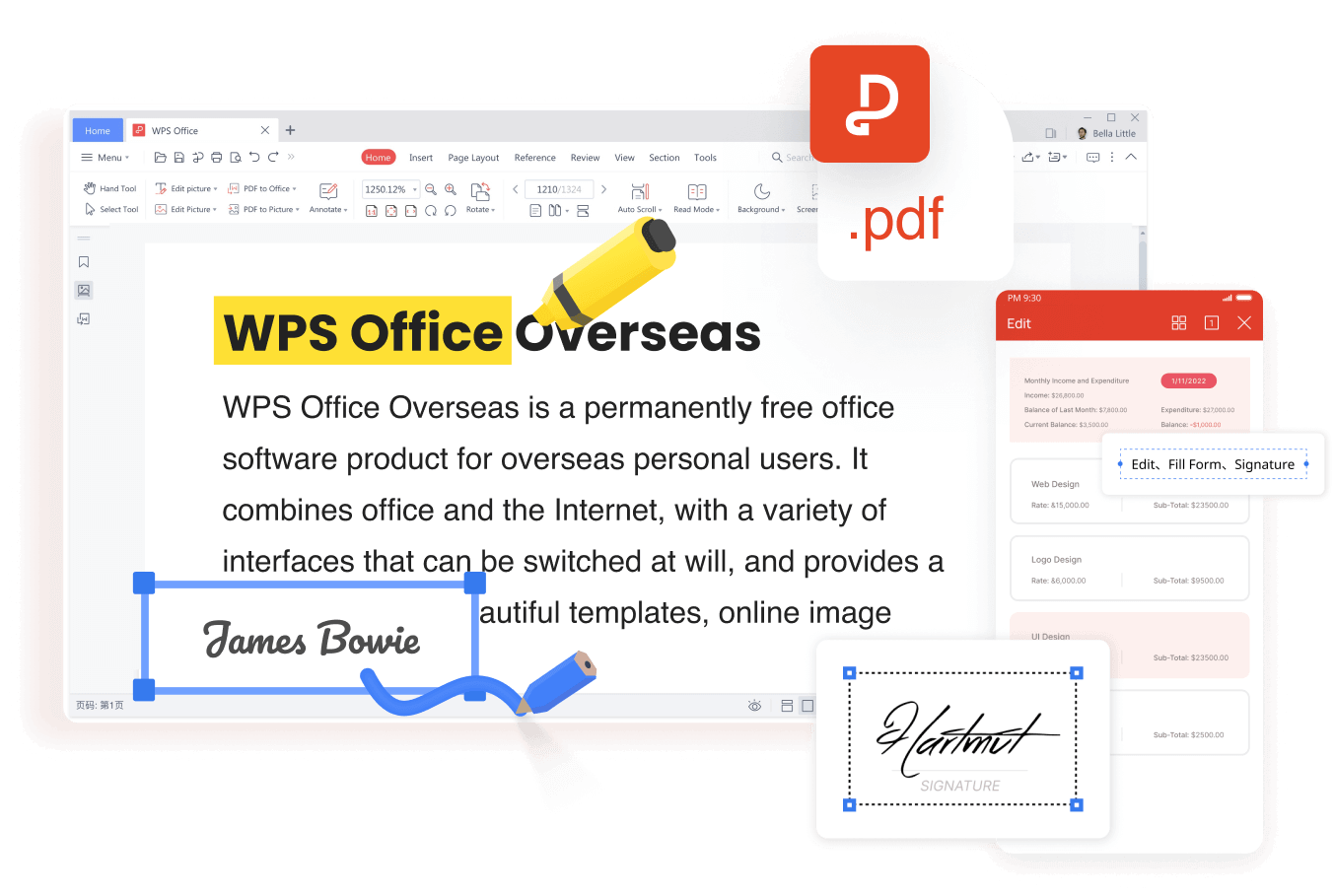
You can modify text, adjust images, add links, insert annotations, and even add watermarks or stamps — all directly inside your browser. What makes this particularly impressive is that the formatting holds together. Editing a PDF used to almost guarantee that something would shift out of place. LightPDF handles this better than most tools at any price point.
File Conversion
LightPDF supports a wide range of conversions. You can turn a PDF into Word, Excel, PowerPoint, plain text, or image formats. You can also go the other direction — converting Word documents, spreadsheets, or images into PDFs in just a few clicks. The formatting stays intact, which is critical when you’re working on professional or academic documents where layout matters.
Compression and Merging
Large PDF files are a headache to share via email or store on devices with limited space. LightPDF lets you compress files without a noticeable drop in quality, and it handles merging multiple PDFs into one document with zero lag. These might sound like simple features, but when you need them, you really need them.
Security and Privacy
Security is not an option for anyone working with sensitive documents. All files uploaded to LightPDF are encrypted with 256-bit SSL and fully comply with GDPR. Then the files are processed and automatically deleted from their servers. Your data is not sitting around on someone else’s system. You can also password protect your PDFs and redact sensitive information when needed
The AI Features: Where LightPDF Gets Seriously Impressive
This is where LightPDF separates itself from being just another PDF tool.
The ChatPDF feature is powered by GPT-4 on premium plans. It lets you have an actual conversation with your document. Upload a 50-page research paper and ask, “What are the key findings in section three?” — and you’ll get a clear, cited answer in seconds. This is genuinely transformative for students, researchers, lawyers, and anyone who regularly reads through long documents.
There’s also an AI summarization tool that condenses lengthy PDFs into the most important points, saving you significant reading time when you’re reviewing reports or study materials.
LightPDF has also introduced an AI PDF Generator, an AI presentation builder, and a PDF-to-mind-map conversion feature, which makes it stand out not just as an editing tool but as a creative and productivity platform.
Pricing: Honest and Competitive
LightPDF is a really affordable choice compared to Adobe Acrobat Pro that costs a lot more per month.
Access to more than 25 tools with the free plan, no credit card or registration required. Certain AI features have daily limits — 8 ChatPDF questions per day on the free tier — but for casual users, that’s plenty.
Premium plan offers unlimited AI interactions, access to GPT-4, larger file sizes, and cross-platform syncing. At around $47.99 a year, it’s a fair price for what you’re getting. If you’d rather pay once and be done with it, there’s also a perpetual license option.
Who Should Use LightPDF?
The honest answer is: most people who regularly work with documents.
Students will love the OCR feature and AI summarization for their studies. Cloud access and quick conversion tools will be appreciated by remote professionals. The compression, merging and e-signature features are crucial for the day-to-day activities of small business owners. Researchers will discover that the ChatPDF feature alters the way they engage with dense academic content.
If you need to work with PDFs now and then the free plan gives you more than enough and you don’t have to pay a penny.
Final Thoughts
LightPDF is not trying to be the most complex tool on the marketplace. It’s trying to be the most valuable one. And it does it successfully for the vast majority of people who need to edit, convert, compress or otherwise interact with PDF documents on a regular basis.
With a clean interface, solid performance, powerful AI capabilities, and fair pricing, it is one of the best PDF solutions available right now. If you’re paying too much for Adobe, or are using multiple apps to do simple things, you should try LightPDF today.
You may not return to anything else.