I’ll be real with you — when I first started looking into AI PDF tools, I had no idea there were so many options out there. And most comparison articles online just regurgitate the same surface-level stuff without actually telling you what it feels like to use these tools day to day.
So let me give you something more useful.
This piece is specifically about lightpdf vs chatpdf free plans, because let’s be honest, most of us want to know if the free version is good enough before we even think about paying. I have spent time with both tools, and I want to walk you through what I found — the good, the annoying, and everything in between.
First, a Quick Intro to Both
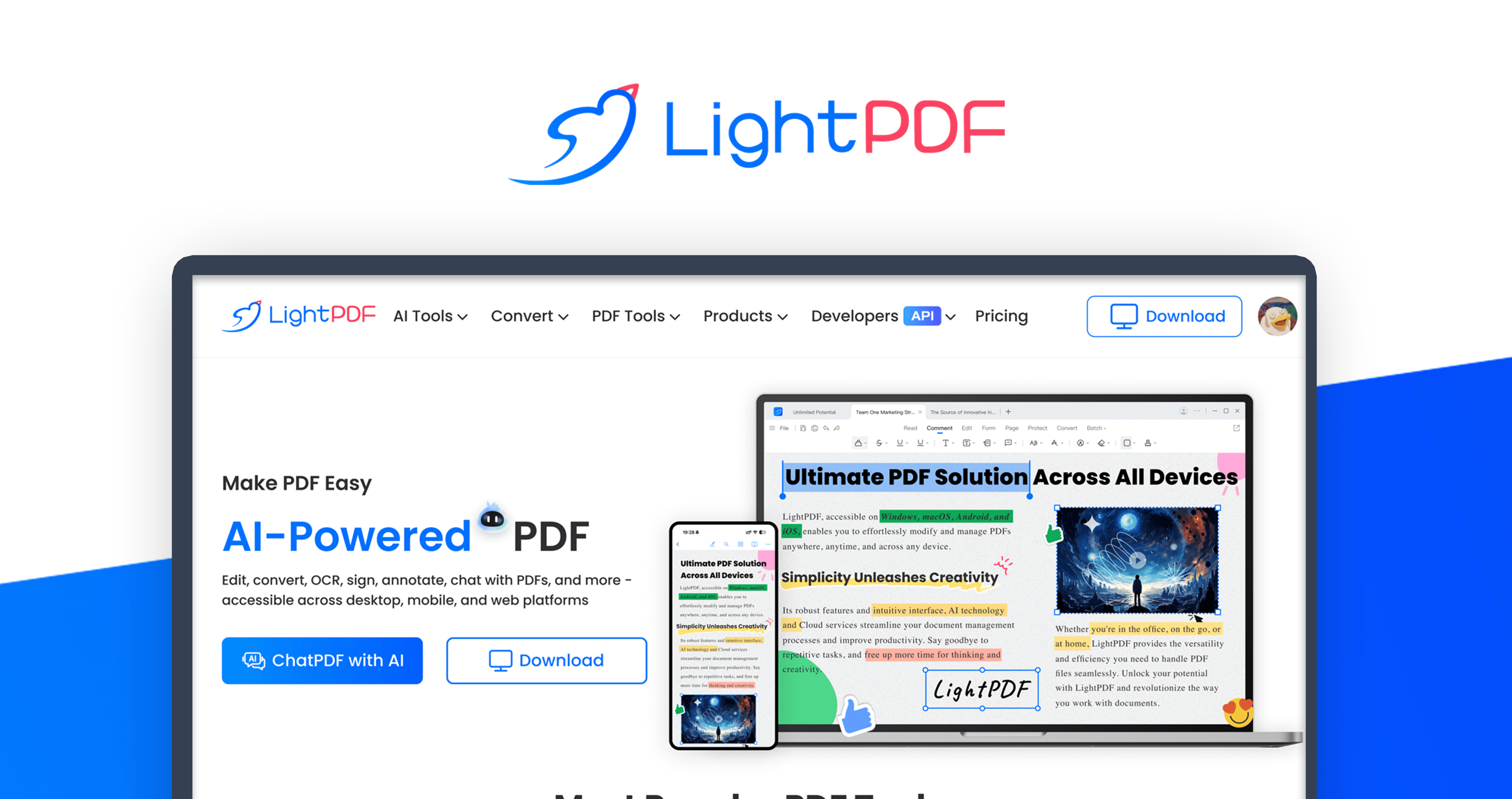
LightPDF has been around longer than most people realize. It started purely as a PDF editor and format converter — the kind of tool you use when you need to turn a PDF into a Word doc or compress a file before emailing it. Over time, they added an AI chat feature that lets you upload a document and ask it questions. So now it is this whole ecosystem of PDF tools with AI baked in.
ChatPDF is a different animal. It was built from scratch with one job: let you have a conversation with your PDF. That is it. You upload a file, type your question, and the AI digs through the document to give you an answer. It blew up quickly because students figured out they could use it to get summaries of textbooks and research papers without reading the whole thing cover to cover.
That is the core difference going into this lightpdf vs chatpdf free comparison — one is a full toolkit, one is a specialist.
What the Free Plans Actually Look Like
This is the part that matters most, right?
With LightPDF’s free plan, you get access to their general PDF features — things like converting, merging, and compressing files. The AI chat is also available on the free tier, but there are limits on how many pages it will process and how many questions you can ask before it tells you to upgrade. Exported files sometimes come with a watermark, which is annoying if you need clean output.
ChatPDF’s free plan keeps things tight but usable. You can upload up to three PDFs per day, each one no bigger than 10MB and no longer than 50 pages. You also get 50 questions per day to work with. For a student handling journal articles or short reports, that honestly covers most situations. But throw a 200-page legal document at it and you will hit a wall fast.
Neither free plan is perfect, and if you are doing heavy-duty work, you will eventually feel the squeeze. But for occasional use, both hold up reasonably well in the lightpdf vs chatpdf free conversation.
The User Experience Gap Is Real
Here is something I want to be upfront about — there is a noticeable difference in how these two tools feel to use.
ChatPDF is embarrassingly easy to get started with. You land on the page, you drop your file in, and within a few seconds you are already asking questions. No setup, no figuring out where things are, nothing. It respects your time.
LightPDF has a lot going on. When you first open it, there are menus and tabs and tools everywhere. If all you want is the AI chat feature, it takes a moment to find it among everything else. Once you do, it works fine — but that initial experience can feel cluttered, especially if you are used to cleaner interfaces.
This matters because if a tool feels annoying to use, you stop using it. Simple as that.
How Good Are the AI Answers, Really?
Okay, this is the question people actually care about.
ChatPDF is pretty good at staying focused on the document. Ask it something that is clearly in the text, and it will pull out a relevant, accurate answer. It does not wander or make things up as often as some other AI tools. That is largely because it was purpose-built for this one task.
LightPDF’s AI does the job too, but it sometimes feels more like a general AI assistant that happens to have your PDF open in another tab. The answers are usually fine, but for dense academic or technical content, there are moments where ChatPDF just handles it better.
In the lightpdf vs chatpdf free matchup on AI quality, ChatPDF has a slight edge — particularly for users who are pulling specific facts, quotes, or data out of documents.
If You Work in Multiple Languages, Pay Attention
This section might not apply to everyone, but it matters to a lot of people.
LightPDF genuinely supports a wide range of languages across its tools and its AI features. If your PDFs are in Arabic, Spanish, French, German, Chinese, or several other languages, LightPDF handles the job noticeably better. The AI comprehension does not drop off as sharply when the document is not in English.
ChatPDF is primarily strong with English content. It technically supports other languages, but users working with non-English documents often find the responses less reliable. If your work involves multilingual documents, that is something worth factoring in before you commit to either tool in the lightpdf vs chatpdf free debate.
Speed: Does It Matter?
For most people, the loading time difference between these two tools is not dramatic enough to be a dealbreaker. Both are browser-based, both depend on your connection, and both process uploads reasonably quickly.
That said, ChatPDF tends to get you into the conversation faster. Because it is not loading a full suite of PDF tools in the background, the experience feels snappier. If you are jumping between multiple documents throughout the day, that adds up.
LightPDF takes a little longer to get going — not frustratingly so, but it is a noticeable difference. In the lightpdf vs chatpdf free comparison on speed alone, ChatPDF edges ahead.
One Thing Nobody Talks About: Your Privacy
Uploading documents to any third-party tool means trusting them with your data. Both LightPDF and ChatPDF claim they delete uploaded files after a period and do not share data with outside parties. But the specifics of how long they hold files, what gets logged, and what their security setup looks like — those details are not always front and center.
If you are uploading anything sensitive — a business contract, medical paperwork, financial records — read their privacy policies before you do it. This is not an area where you want to be careless just because a tool is convenient.
Are the Paid Plans Worth It?
Since this article is focused on the free tiers, I will keep this short.
ChatPDF’s paid plan loosens the restrictions — bigger files, more PDFs per day, more questions. If you use it regularly, the upgrade makes sense and it is not expensive.
LightPDF’s paid plan gives you access to the full range of tools without limits. If you need everything — editing, converting, AI chat, e-signatures — the paid version bundles it all together and offers real value.
But for most people reading this, the question is whether the free plan is enough. And for moderate use, it often is.
So Who Should Actually Use Which Tool?
Let me just say it plainly.
If your main goal is to read, understand, and extract information from PDF documents — especially academic papers, reports, or research — go with ChatPDF. It is cleaner, faster to use, and its AI is sharper at staying on task.
If you need a full PDF workflow — editing, converting formats, compressing, merging, and also occasionally chatting with a document — then LightPDF gives you more for free, even if it takes a little longer to navigate.
The lightpdf vs chatpdf free decision really comes down to whether you want a specialist or a generalist.
My Honest Takeaway
After spending real time with both, I would reach for ChatPDF when I need quick answers from a document I do not want to read in full. It just works, and it works well. For everything else — the editing, the converting, the file management — LightPDF has the broader toolkit.
Both tools have their place. Neither is trying to replace the other, even if the lightpdf vs chatpdf free framing makes it sound like a battle. Think of it more like choosing between a sharp kitchen knife and a full knife block — depends on whether you are making one cut or cooking a whole meal.
Try both on their free plans. See what fits your actual habits. And if one of them keeps saving you time every single day, that is your answer right there.